
Add Microsoft Outlook emails to Apple Mail without the usual headaches or complex processes! Whether you’re switching to a Mac, organizing your inbox, or simply want a smoother email experience, finding the right tool to move your data safely is crucial. That’s where “Pst Extractor Pro“ comes in — a powerful, user-friendly solution designed to convert your Outlook PST files into Apple Mail’s MBOX format quickly and accurately. In this post, we’ll walk you through why “Pst Extractor Pro” is the perfect choice for a seamless, reliable migration, preserving every detail of your emails, contacts, calendars, and even the original folder structure. Let’s dive into how you can make your email transition as comfortable as possible!
Best Way to Add Microsoft Outlook emails to Apple Mail
“Pst Extractor Pro” is a program developed to convert your Pst files into Mbox. It has a simple interface to perform this conversion. And it is also developed to offer the maximum speed for conversion so you can add many of your emails folders from Outlook to Apple Mail without wasting much time.
What are Pst and Mbox files?
Pst and Mbox are two file formats used by Outlook and Apple Mail respectively. The data is stored in these files and to move the data, one has to convert Pst to Mbox. This is what “Pst Extractor Pro” does it very well.
Is the conversion complete and thorough?
Yes. “Pst Extractor Pro” has the technology for the deep scan of Pst files, which ensures that it does not leave or ignore any data component. It can convert everything, including your attachments, graphics inside emails, properties and meta-data of emails, nested messages, and so on. The Mbox files in the end will mirror the Pst files with almost 100% integrity of data.
I am concerned about my non-English emails?
One of the most advanced feature it holds is the full support for all languages, including Chinese, Arabic, and Korean. Some of the languages are coded in double-byte characters, which make it hard for many tools to detect and convert them without any corruption. But “Pst Extractor Pro” has gone through the challenge, and features the full compatibility with any language.
What about folder structure?
One of the benefits of Outlook (Or any other desktop email client) is the flexibility in the way we want to handle and manage our emails. We can create several folders and sub-folders to arrange them anyway we want. But, due to some ordinary email migration tools, you may lose that structure and all the emails might get mixed.
“Pst Extractor Pro” can preserve your folder structure completely.
Contacts and calendar support
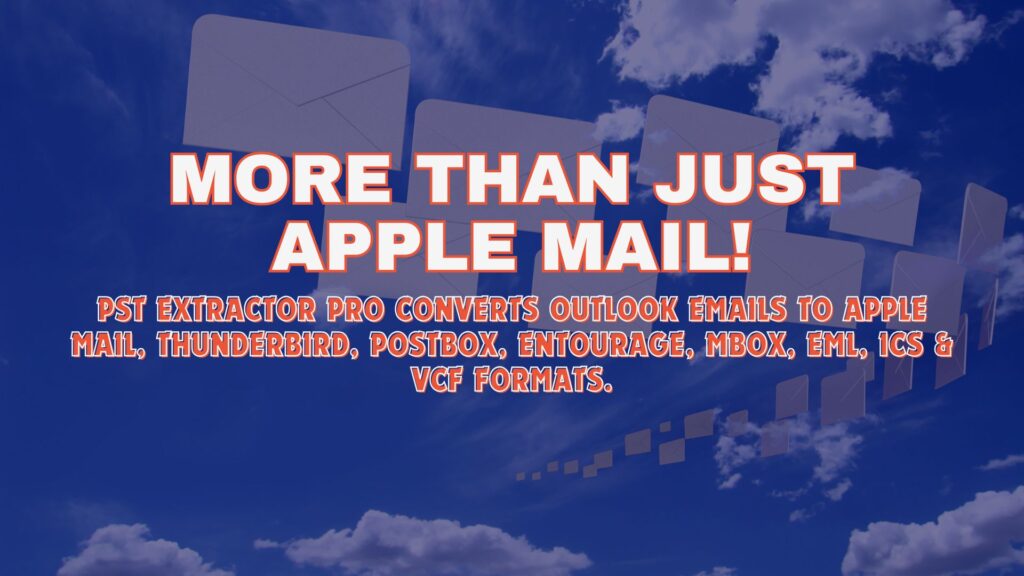
It is not just for emails. It can also convert contacts and calendar data to Vcf and Ics file. There is also a feature where you can convert and merge all contacts from one folder to a single Vcf file, and calendar data from one folder to a single Ics file.
Note* – Vcf file is a vCard file, and is used almost extensively by many apps and operating system to store contact information. It is a digital version of a contact card, where you can keep phone number, photos, URL, location, etc. store for any of your contacts. Ics file is a popular format for calendar data, and is used primarily in Cal application of Mac.
Support and updates
There is a 24×7 support available for you to take any help. And any future updates (that are rolled out frequently) are free for lifetime.
Have look the Tutorial: How to convert PST file to MBOX, EML, RGE file format

Easy Installation and Intuitive Interface
You don’t need to be a tech expert to get started with “Pst Extractor Pro.” The installation process is quick, simple, and hassle-free. Once installed, the intuitive interface guides you through each step of the conversion process, making it accessible even for users with minimal technical knowledge. With clear instructions and an organized layout, you can perform complex email migrations with just a few clicks — no steep learning curve involved!
Safe and Secure Conversion
Your data’s safety is our top priority. “Pst Extractor Pro” ensures that your sensitive information remains fully protected during the entire conversion process. There’s no risk of data loss, file corruption, or breaches. Plus, since everything is processed locally on your machine, you maintain full control over your files without relying on external servers or internet connections. Migrate your emails confidently, knowing your information stays private and secure.
Download “Pst Extractor Pro” Click here and add Microsoft Outlook emails to Apple Mail comfortably.